Skip to content
Atelier Créateur Lab

SketchUp extension · sheet metal

Smart Sheet Metal PRO
From the 3D model to the laser file.

Draw your part in SketchUp as usual, with sharp edges. Smart Sheet Metal PRO folds it with real radii, calculates its flat pattern and exports a DXF ready for laser, plasma or waterjet cutting. Realistic, manufacturable DXF files, without going through SolidWorks or Fusion.

299 €perpetual license · one-time purchase, no subscription

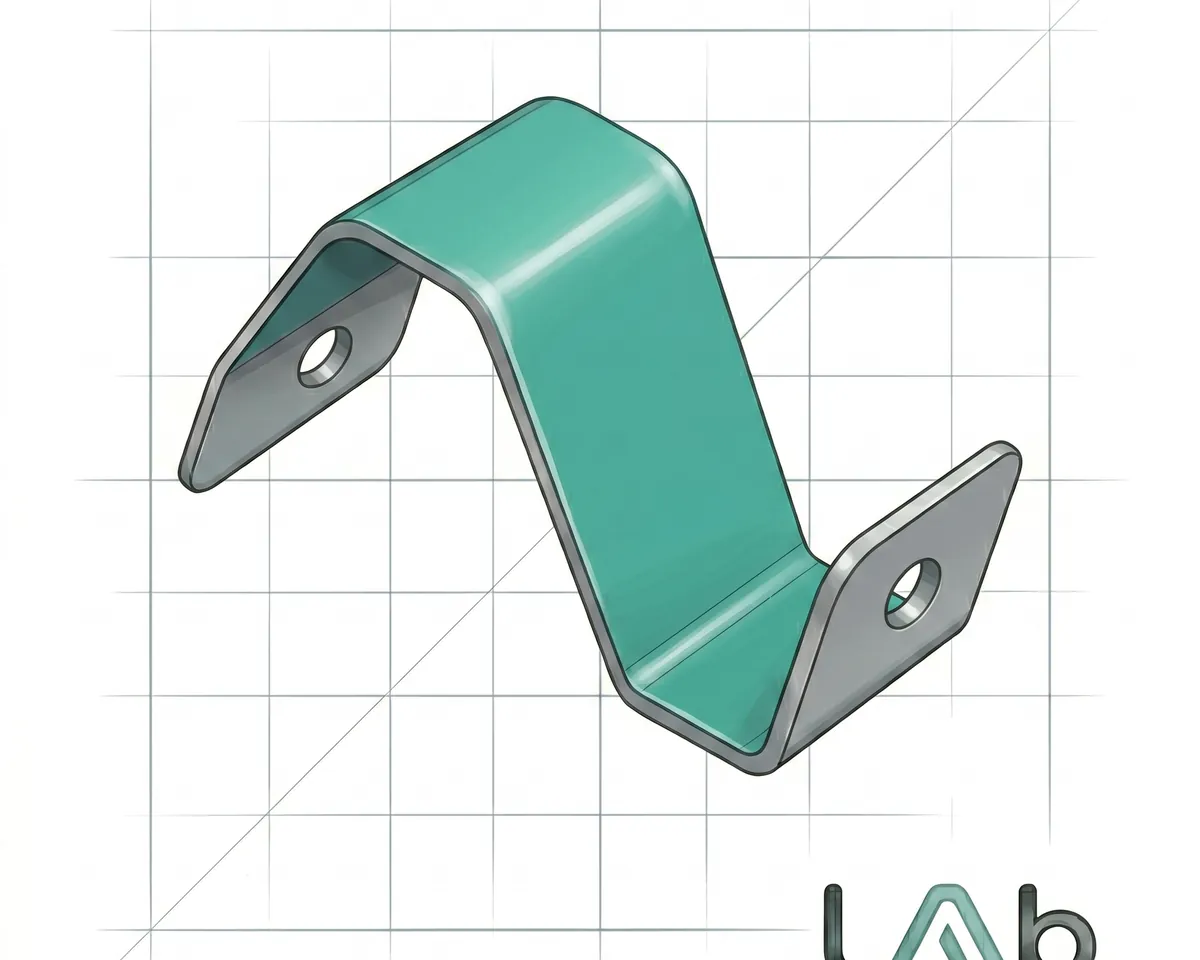
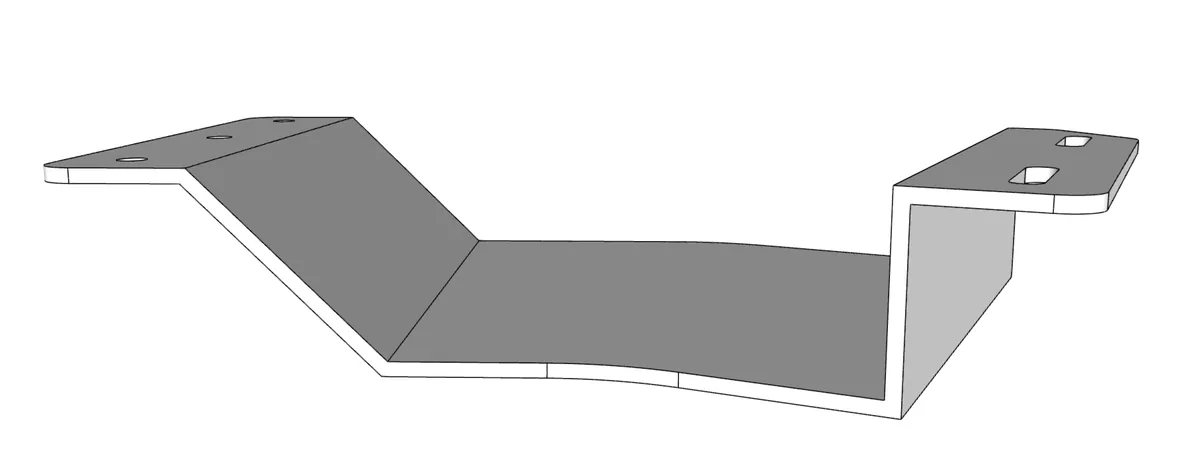
A folded bracket, ready to unfold and cut
  • Real bends

    Bend fillets generated on the 3D model, radius set by you.

  • Exact flat pattern

    Neutral fibre and K-factor: the right length, first time.

  • Checked before cutting

    Defects are shown on screen, not found in the workshop.

  • Machine-ready DXF

    Separate layers, true arcs and circles, millimetres.

How it works

Four clicks from the model to the cutter

  1. Model

    Draw your sheet metal part in SketchUp, with sharp edges, as you always do.

  2. Select

    Click the reference face: the thickness is detected on its own.

  3. Fold

    Click “Fold part”: the bend fillets are generated and the flat pattern is calculated.

  4. Export

    Export to DXF and send the file to your laser cutter.

From sharp edges to DXF in a few seconds

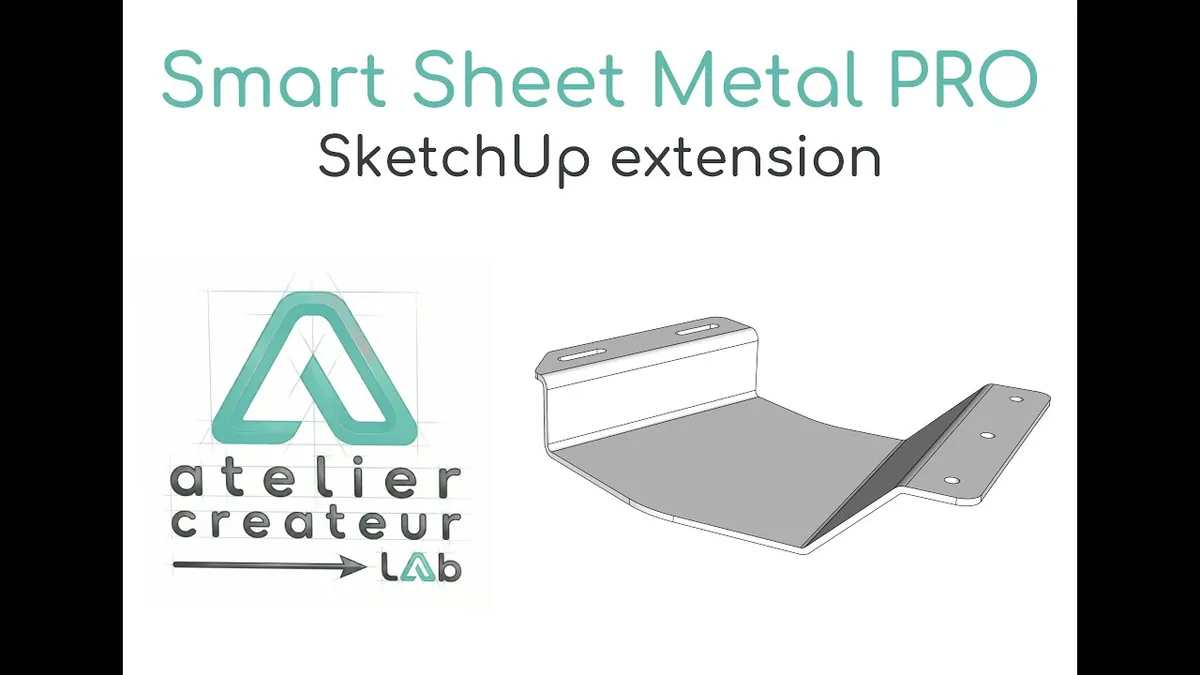
From sharp edges to DXF in a few secondsWatch the video on YouTube (external site)

Features

Everything between the model and the machine

Parametric bending

  • Thickness detected automatically, nothing to type.
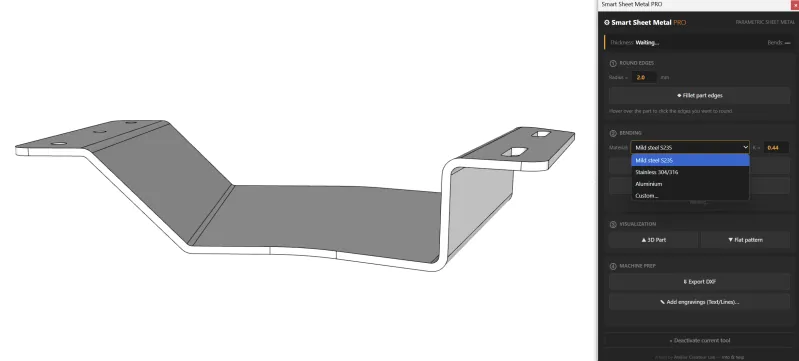
  • Preset materials with their K-factor: S235 steel (0.44), 304/316 stainless (0.42), aluminium (0.46), or your own material.
  • Adjustable inside radius; in Auto mode it equals the thickness.
  • Real bend fillets generated on the 3D model.
  • “Undo fold” restores the original part, saved automatically. Change a parameter, and one click folds it again.
Accurate flat pattern

  • Developed length calculated on the neutral fibre (K-factor).
  • Switch between the folded part and the flat pattern in one click, in 3D or 2D.
  • Flat panels (no bend) and perforated sheets accepted.
  • Flat pattern grouped with the part, or stored in a global component: your choice.

Machine-ready DXF export

  • DXF R12, read by all CAD/CAM and CNC software.
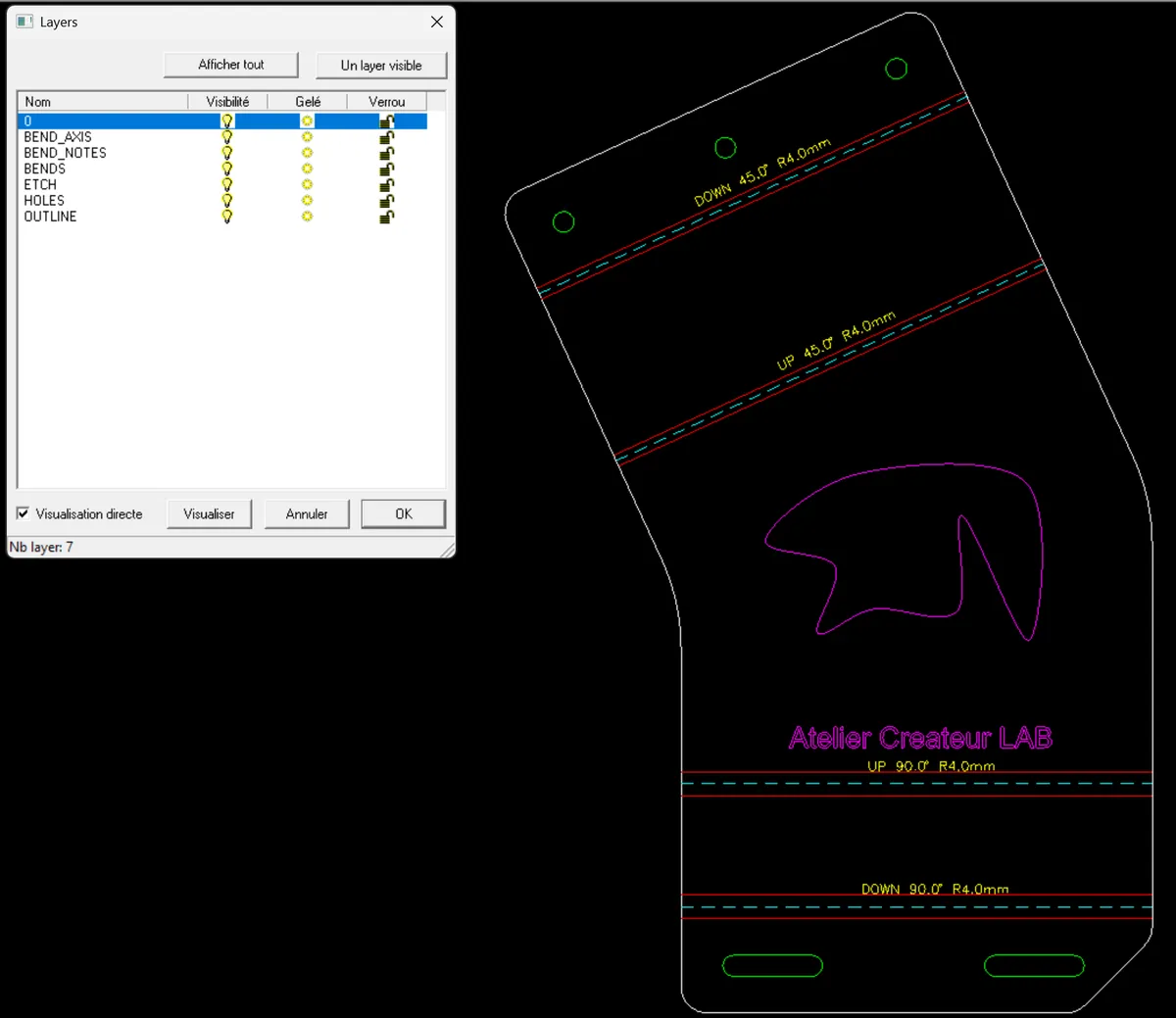
  • Separate layers: outer contour, holes and inner cut-outs, dashed bend axes, bend notes, etching and an information title block.
  • True arcs and true circles: fillets and slotted holes stay arcs, not segmented polylines, for cleaner cutting paths.
  • Units in millimetres, stated in the title block.

Flat pattern sheet

  • After each unfold: overall size, area, outer and inner cutting lengths, material and bend radius.
  • Everything you need to price a part straight away.

Laser etching

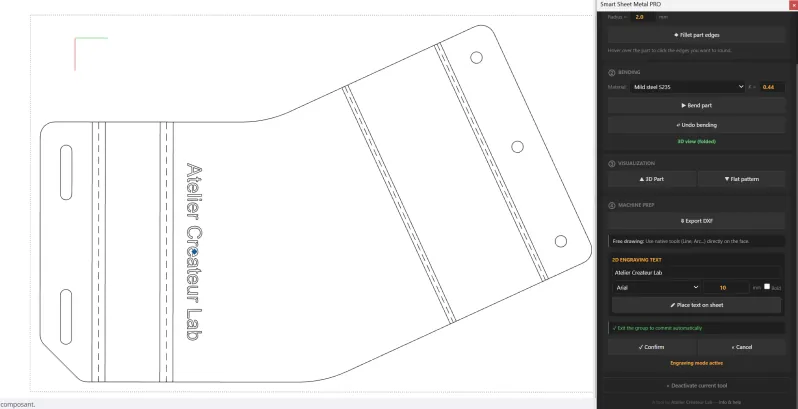
  • Text to engrave placed directly on the flat pattern, bold option included.
  • Free drawing with SketchUp’s usual tools (line, arc…), exported on the etching layer.

Corner rounding

  • Round the edges of a part (plate corners, for example) by clicking on them, with an adjustable radius.

In SketchUp

A part folded with its real bend radii
The part and the extension panel
Flat pattern with bend lines and etching
The exported DXF, layer by layer

Manufacturability check

The defect is caught on screen, not in the workshop

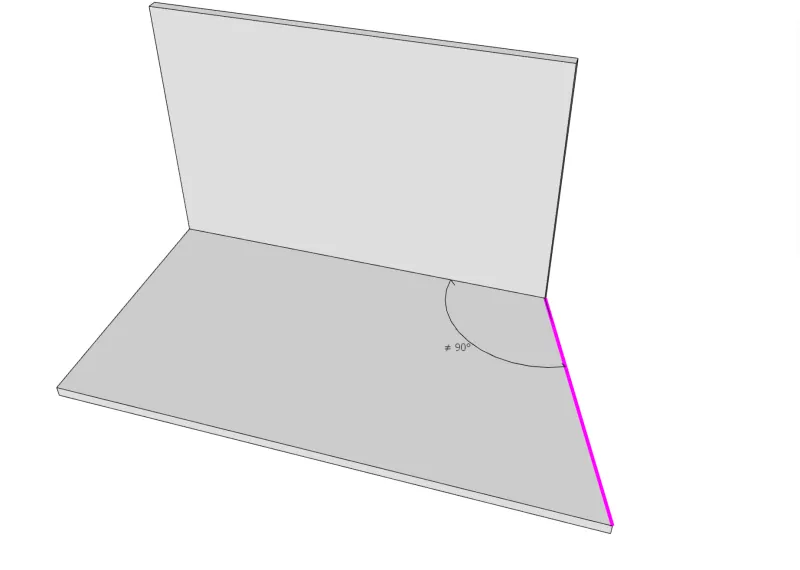
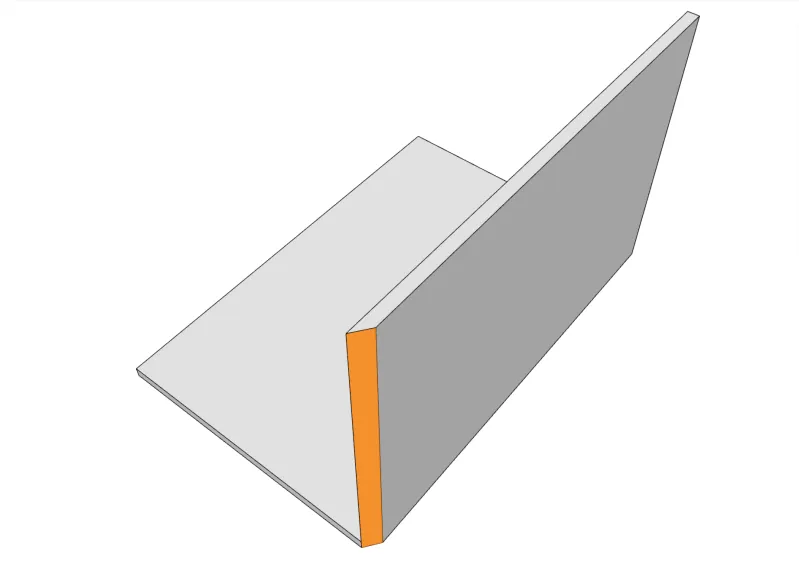
Before folding, the extension checks the part and highlights problems in colour, right on the model:

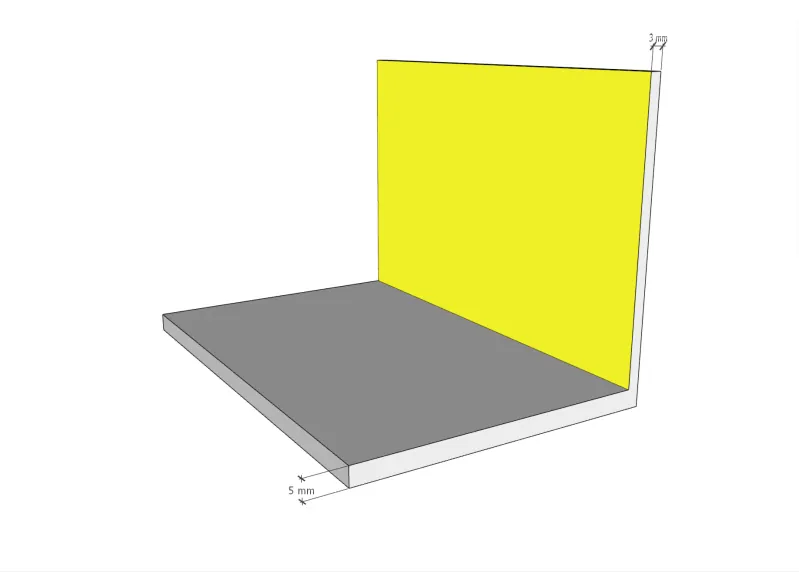
  • irregular thickness, or a face with nothing opposite;
  • bevelled edge, impossible to cut with a laser;
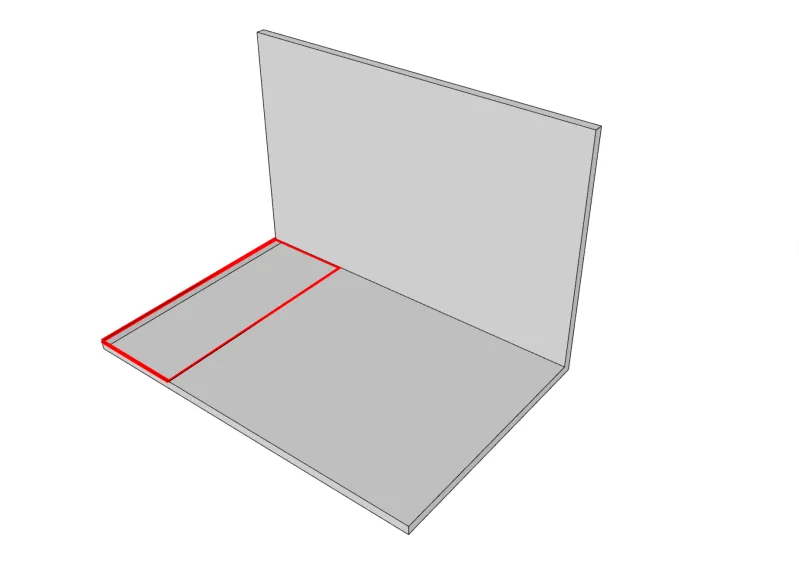
  • angled cut or partial bend that could tear the sheet (relief to plan);
  • bend corner without relief, where the material would crumple;
  • flanges too short, or not enough flat before a bend (minimum = radius + thickness);
  • flanges overlapping in the flat pattern;
  • duplicate faces, flanges not connected to the bends.
Irregular thickness
Irregular thickness
Face with nothing opposite
Partial or angled bend
Bevel the laser cannot cut

Who it is for

Everyone who draws in SketchUp and has parts laser-cut:

  • metalworkers and locksmiths
  • interior fitters and shopfitters
  • furniture designers
  • small sheet metal workshops

Technical details

Price
299 €, perpetual license: one-time purchase, no subscription
Trial
7 days free, through Extension Warehouse, SketchUp’s official store
Version
1.0.0 · free minor updates within the 1.x series
SketchUp
Tested on SketchUp 2024 to 2026, Windows and macOS
Languages
English, French, German, Spanish, Italian, Portuguese (follows the system, or chosen by hand)
Units
Metric and imperial
Export
DXF R12, true arcs and circles, separate layers
Undo
Every operation can be undone with SketchUp’s Undo
Privacy
No network connection in the background
Support
Built-in problem report (technical details gathered for you, ready to e-mail), in English or French

Frequently asked questions

Will my laser cutter read the files?

The export is DXF R12, the most widely read version, with true arcs and circles and one layer per type of line. If in doubt, open the demo model’s DXF in your software before buying.

Do I still need SolidWorks or Fusion?

Not for sheet metal parts drawn in SketchUp: bends, flat pattern, checks and DXF are all done in SketchUp. Smart Sheet Metal PRO doesn’t try to replace an industrial CAD package for everything else.

Is it a subscription?

No. It is a perpetual license, bought once for 299 €, commercial use included. Minor updates within the 1.x series are free.

Can I try it first?

Yes: 7 days free, through Extension Warehouse.

Will it work with my existing SketchUp files?

Yes. It works alongside SketchUp’s tools, and folding can be undone: the original part is kept.

My SketchUp version isn’t listed. Will it work?

It is tested on SketchUp 2024 to 2026. Older versions may work but are not validated: write to me before buying if you need to check.

Your next part, cut from SketchUp

299 €, once. Try it free for 7 days first, on Extension Warehouse.