Smart Web Export

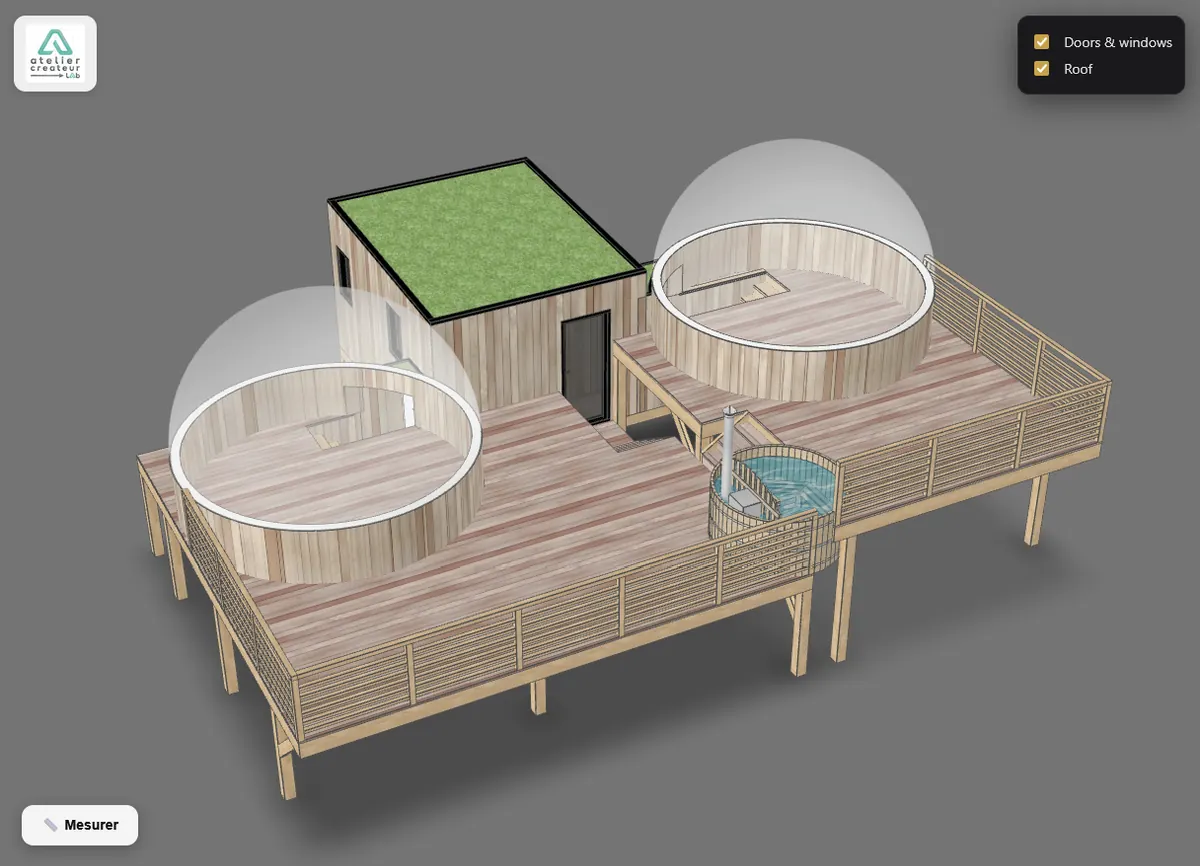
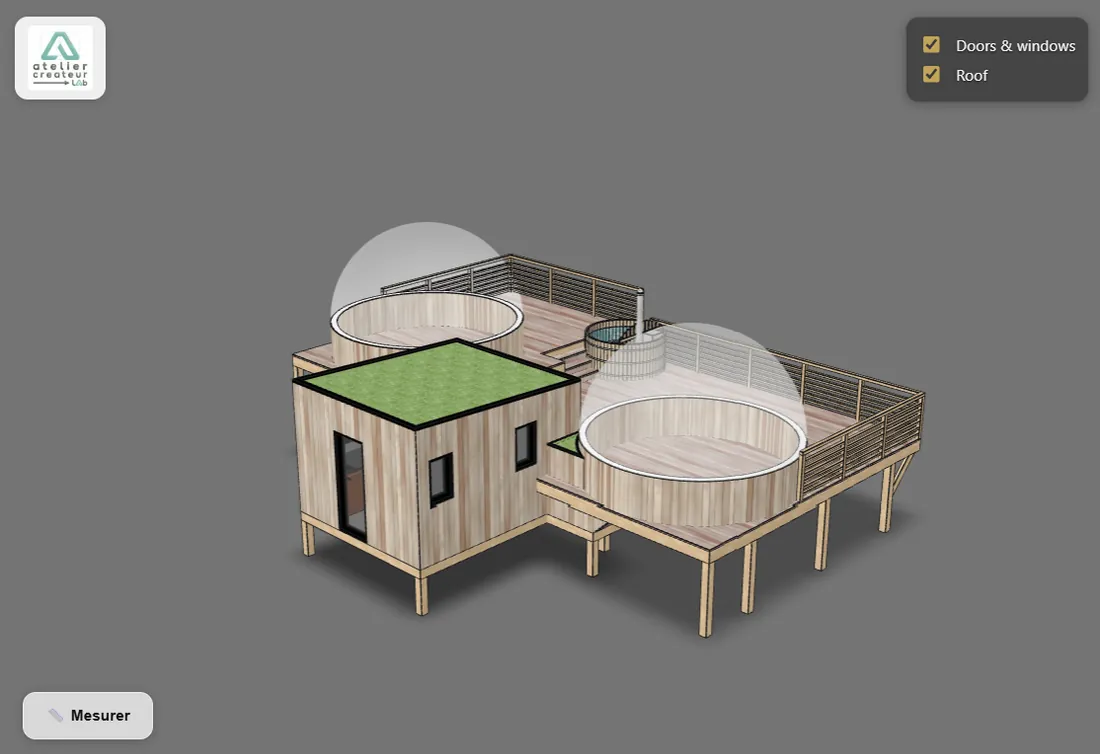
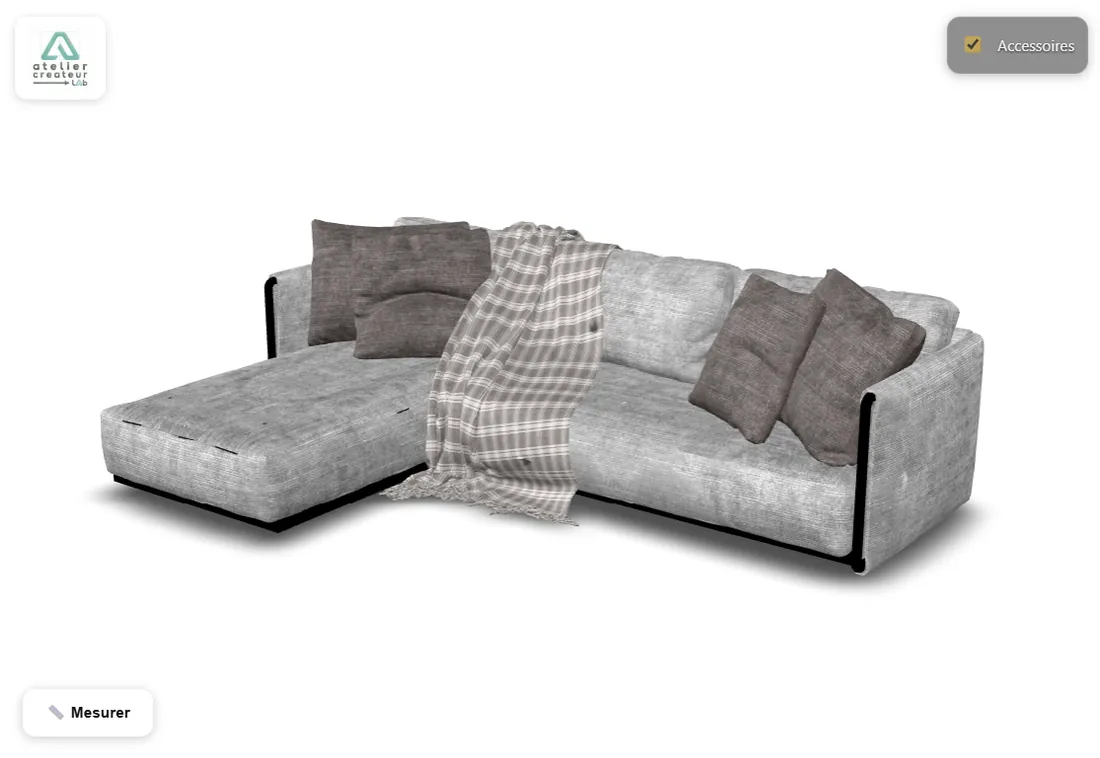
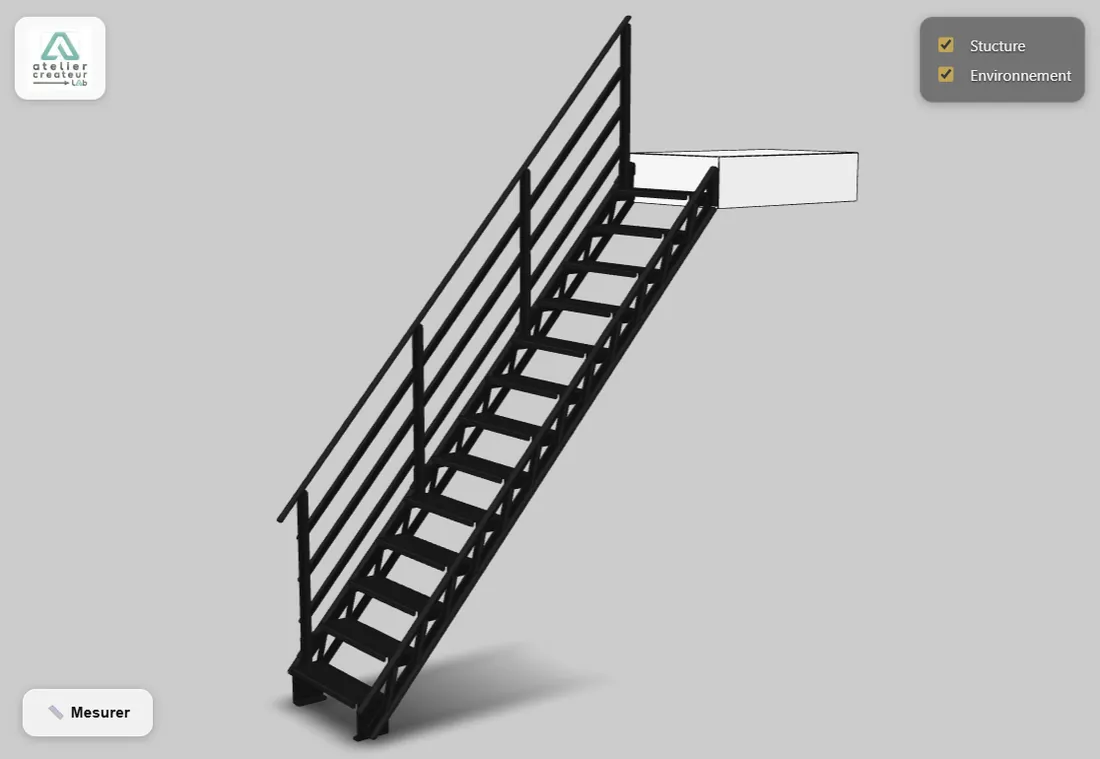
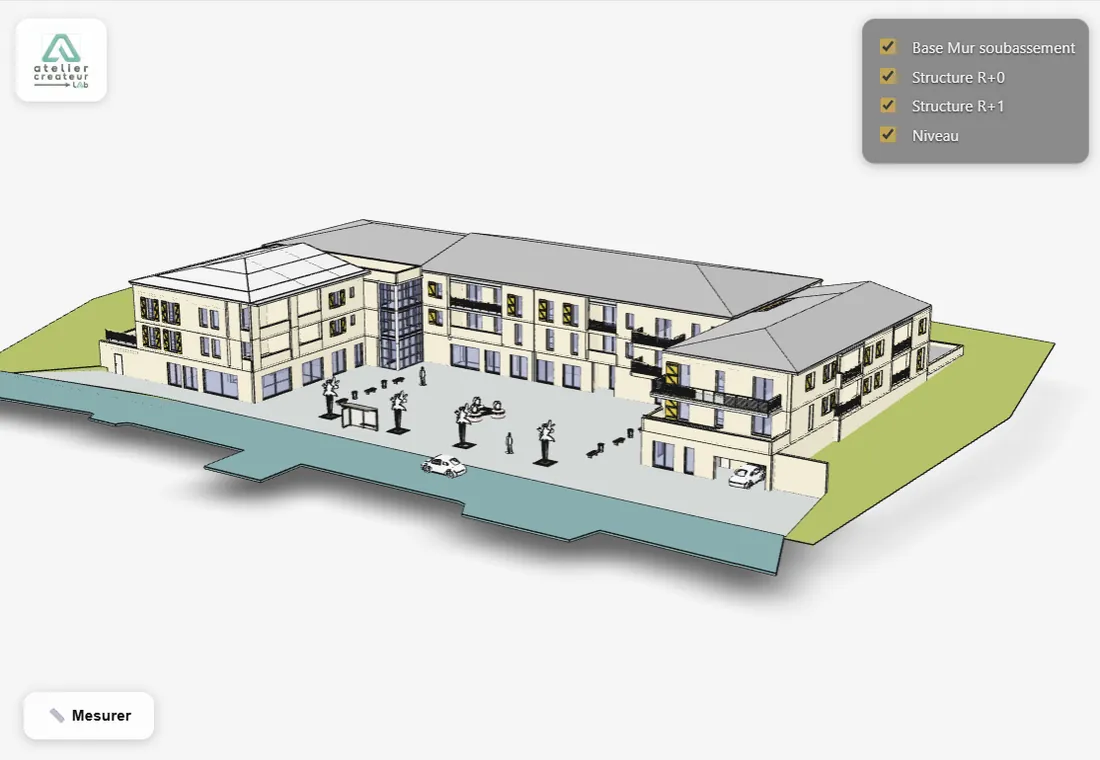
Turn any SketchUp model into a shareable 3D experience

Bridge the gap between your SketchUp file and your client's smartphone.

Export, optimize, and publish a model in one click — no web skills required.

— without leaving SketchUp —


Instant 3D viewer. Real-world AR. Available in six languages.

ree plan available. Paid plans from 7.5€ / month. No credit card required to start.

How It Works : Three steps. No technical setup.

1. Export :

In SketchUp, open Plugins → Smart Web Export → Export model. One click.

2. We optimize everything :

Cleaning, compression, texture conversion — your model is web-ready in
seconds, automatically. Nothing for you to configure.

3. Share

Grab your link and QR code. Paste them on a quote, a plan, or send
them by email.

Why we built this

SketchUp excels at 3D design — but sharing those models with clients still usually means screenshots, oversized files, or asking them to nstall software they don't have.

Smart Web Export closes that gap. Built by a working SketchUp developer who needed a simple way to hand real 3D context to non-technical clients, it turns any model into a link and a QR code your client can open on any phone or computer — no app, no learning curve.

Pricing

Publish your 3D models from SketchUp

Choose the capacity that fits your workflow.

Free

0 € /mo
  • 3 active models
  • 3D web viewer
  • Permanent link
  • AR Beta · Deep zoom
  • White label

S

9 € /mo
  • 10 active models
  • 3D web viewer
  • Permanent link
  • AR Beta · Deep zoom
  • White label
Popular

M

19 € /mo
  • 25 active models
  • 3D web viewer
  • Permanent link
  • AR Beta · Deep zoom
  • White label

L

59 € /mo
  • 100 active models
  • 3D web viewer
  • Permanent link
  • AR Beta · Deep zoom
  • White label

XL

119 € /mo
  • 500 active models
  • 3D web viewer
  • Permanent link
  • AR Beta · Deep zoom
  • White label
Secure payment via Stripe Automatic monthly renewal Cancel anytime

What it does

From SketchUp to web link in one click :

Export your model and Smart Web Export automatically cleans, optimizes, and publishes it. No manual file prep, no separate hosting to configure.


Compressed for instant loading From SketchUp to web link in one click :

Models are cleaned, deduplicated, and compressed — geometry and textures both — so they open in seconds on mobile, even on a weak connection.

Export your model and Smart Web Export automatically cleans, optimizes, and publishes it. No manual file prep, no separate hosting to configure.


A QR code for every model :

Every export generates a permanent link and a scannable QR code, ready to drop onto a quote, a plan, or a PDF.

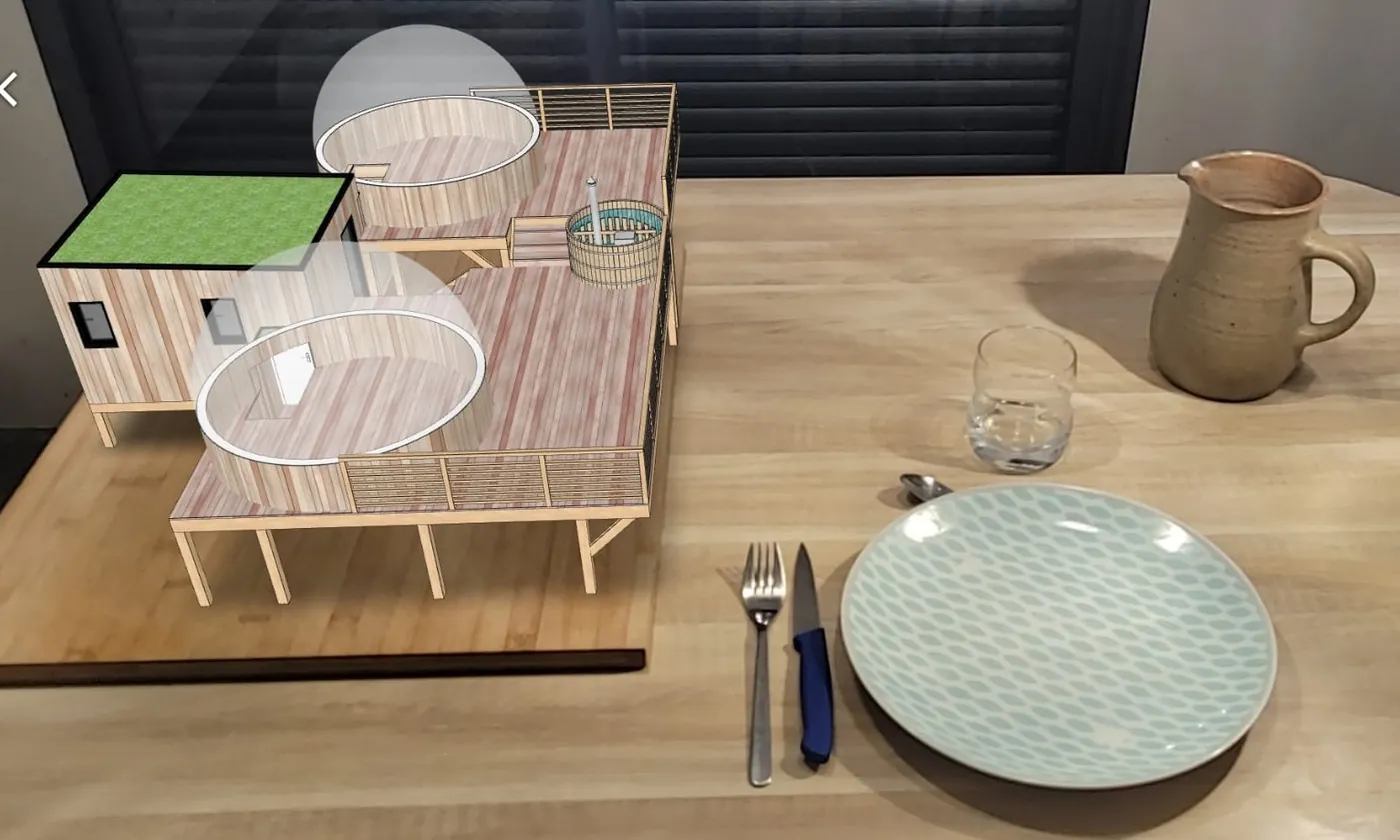
Augmented reality (Beta) Clients can preview your model at real-world scale in their own space, straight from the browser — no app required. Available on iOS (Safari) and Android (Chrome); scale accuracy can vary on very large models.

Your brand on the viewer Replace the default branding with your own logo. Clients see your name, not the tool you used.

One dashboard, any device
Manage your models, your logo, and your clickable link — all from one web dashboard you can open on your computer, tablet, or phone. Whatever you change stays in sync everywhere, instantly.

One dashboard for your whole account
One web dashboard — open on your computer, tablet, or phone — to manage every model in your account. Track what's active, archive old projects to free up space, update a model without ever changing its link, and label each export with a project or client name so you can find it again in seconds, even with dozens of models on the list.

Built for professionals who need their work seen, not just imagined

  • Architects and interior designers presenting concepts to clients.
  • Carpenters, metalworkers, and outdoor structure builders attaching 3D previews to quotes.
  • Landscape and garden designers sharing layouts remotely.
  • Product and furniture designers showcasing detail before production.
  • Any SketchUp user who wants a client to see the model, not just imagine it.

See it in action

From SketchUp model to a shareable 3D link in a few seconds.

Technical specifications

Version 1.0.0
SketchUp compatibility 2021–2026 (Windows & Mac)
Languages English, French, German, Spanish, Italian, Portuguese (Brazil)
Plans Free plan available — paid plans from 7.5 € / month Hosting
Hosting Private, randomly generated links
Trial Free plan — 3 active models, no credit card required
Support Email support in English and French

Frequently asked questions

Do I need to save my SketchUp file before exporting ?

Yes — that's the only manual step required. The plugin needs a
saved .skp file to generate a consistent model name.

What's the maximum model size ?

Models are compressed automatically so they load fast on mobile.
The compressed file is capped at 25 MB — more than enough for the vast majority of SketchUp projects, and the threshold that keeps the
viewing experience smooth for the person who matters most : your
client, opening the link on their own phone.

Can I export just part of my model ?

Export isn't based on a manual selection, but it does respect
visibility: hidden groups, components, and layers are automatically
excluded. Hide whatever you don't want to share, and it simply won't
be in the export.

What happens if I cancel my subscription ?

Your models stay live for 30 days after cancellation, with a
reminder email before anything is removed. Plenty of time to
reactivate if needed.

Is my work private ?

Yes. Each model is hosted on Cloudflare and accessible only through
a unique, randomly generated link. Nothing is indexed by search engines.

Does it work offline ?

No, an internet connection is required to publish and host your
model. Clients viewing the model don't need to install anything.

How long do models stay online on the free plan ?

Links generated on the free plan stay live for 7 days after
export — ideal for quick validations with a client. Paid plans remove
this limit, with publication duration set to 30 days or unlimited.

Ready to share your next project in 3D ?

Free plan available. No credit card required to start.

Smart Web Export is developed by Atelier Créateur Lab, an independent
French studio specialized in CAD tools for makers, designers, and
studios. We also created other extensions like Smart Spline and
Smart Sheet Metal PRO.