
OBJ (.obj, .mtl)
- Textured meshes, from Blender, 3ds Max, Rhino, Cinema 4D or Maya, among others
- Dropped with the .mtl file and the images; without them, the model keeps plain colours
- Unit chosen on upload
Smart Web Export · OBJ · STL · GLB
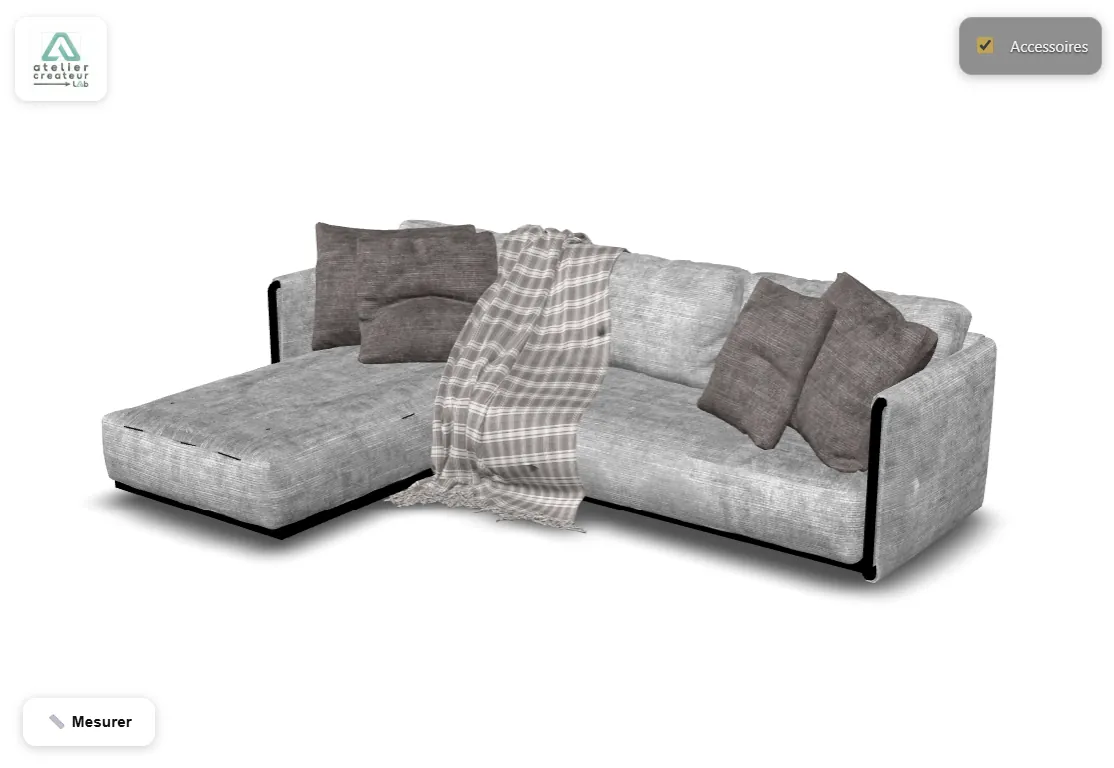
Drop an OBJ with its .mtl file and textures, an STL or a GLB: it is converted in your browser and shown in 3D. No account, nothing to install. Then share it as a link and a QR code that your client opens on a phone.
First link without an account Publish in one click, no form: your model is online for 24 hours, with its link and QR code. One trial only; the free account then keeps that link.
Your files stay on your computer: Smart Web Export (acrealab.com) converts them in your browser. No account needed for the preview.
The account, risk-free
An OBJ is dropped with its .mtl file and its images.
OBJ and STL have no unit: you choose it on upload.
Your files never leave it. Only the model you publish goes online.
Your client places the model in the room: iPhone, iPad, and Android with Chrome.
Three formats
How it works
An OBJ with its .mtl and images, an STL or a GLB. For an OBJ or an STL, choose the unit. Conversion runs in your browser.
Background, edges, opening view, up to six layers your client can hide, measuring unit, augmented reality. A preview shows the final result.
Publish, with no account the first time (a 24-hour trial link): you get a short link and a QR code. Your client opens the model in a browser, with nothing to install.
On the other side of the link
They turn the model, zoom in on details, and show or hide the parts you defined. They measure a distance between two points themselves, in the unit you chose. On a phone, they place the model in the room in augmented reality, at real size or at a size you choose.
They cannot change anything: they explore what you decided to show.
Drop it in the area at the top of this page, or directly into Smart Web Export: it is converted in your browser and shown in 3D, with no account and nothing to install.
The textures are in the .mtl file and the images next to the .obj. Drop them together; without them, the model keeps plain colours.
Not for the preview: conversion runs on your computer. If you publish, only the converted 3D model goes online, visible to the people you give the link to. Your source files are never sent.
Up to 52 MB per model once converted and compressed. Smart Web Export can reduce a model that is too heavy before sending it.
Yes, to convert, set up and publish: the free account, with no credit card, keeps up to 3 models online at a time, each visible for 7 days. An expired link frees its slot: you can publish another one. Paid plans add your logo, a free choice of duration, more models and view counts. The embed code is included from the free account.
Smart Web Export also handles: STEP viewer, IFC viewer, sharing a SketchUp model.